Using your Canal Nav dashboard
Your account home: your boat, your saved routes, your cruising defaults and your shared trips.
-
1
Create your account
Sign in at your dashboard to save routes across devices and unlock your boat record. It is free – no card needed.
Open your dashboard → -
2
Add your boat
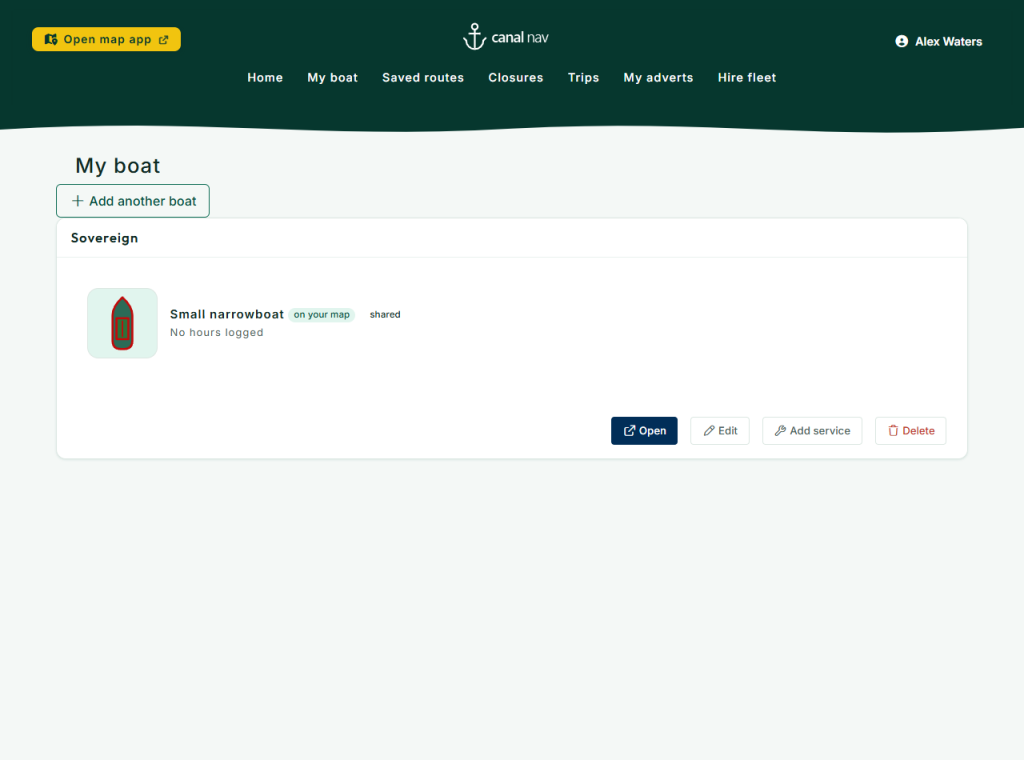
Add your boat’s type and colours – they set your icon on the map – and keep its logbook: engine hours, services and the journeys you cruise.
Add your boat -
3
Your boat’s size & licences
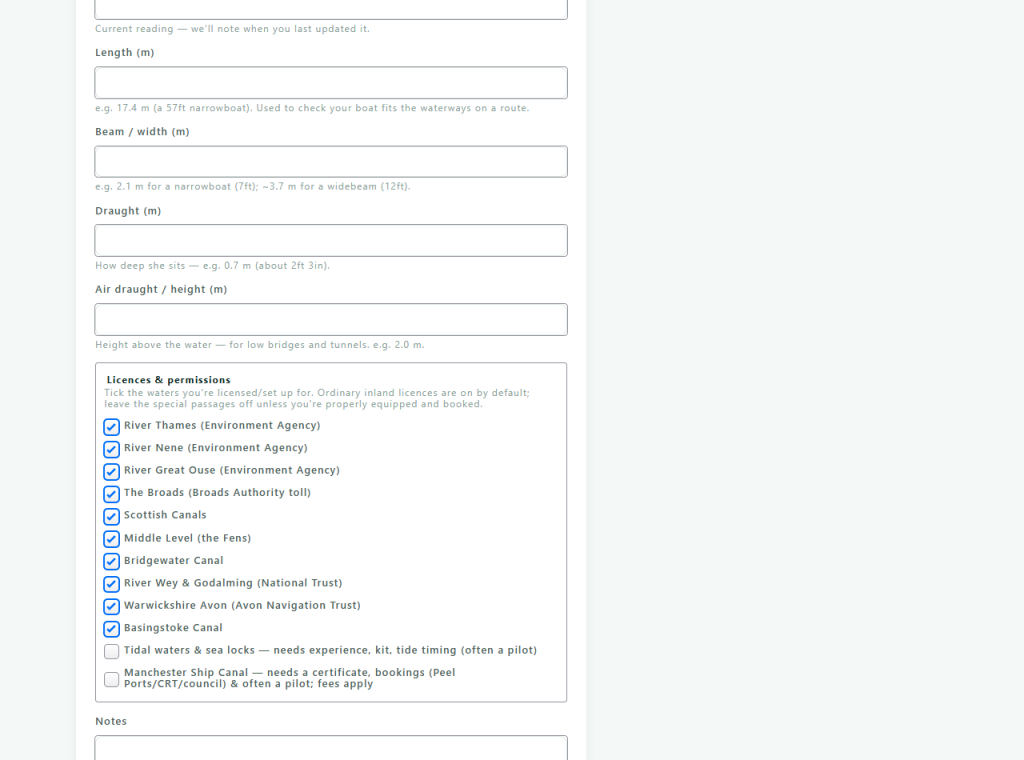
Tell Canal Nav your boat’s length, beam, draught and height, and tick the waterways you’re licensed for. The planner then warns you before a route your boat won’t fit, and keeps you off water you’re not set up for – a book-ahead passage like the Manchester Ship Canal, or a tidal crossing.
Your boat’s size & licences -
4
Share your boat with crew
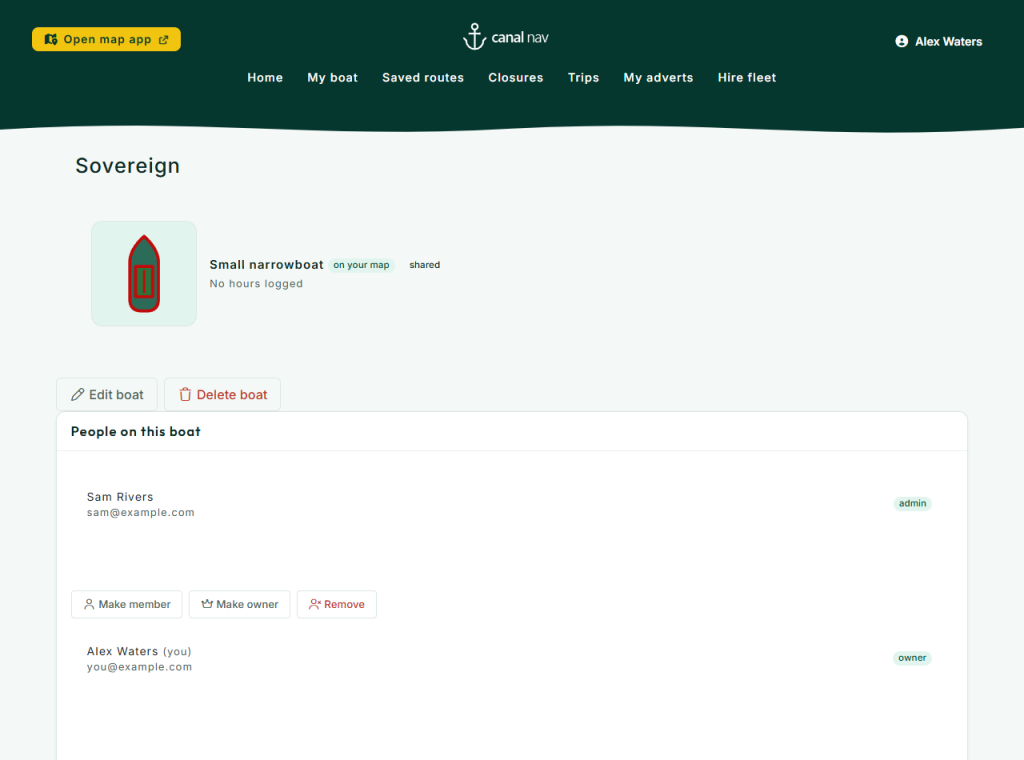
Cruising with family or friends? Add crew to your boat by email and choose who can edit it. Everyone sees the same boat, logbook and shared routes – with an owner and admins in charge.
Share your boat with crew -
5
Your saved routes
Every route you save appears here. Open one, export its itinerary, or check it against the latest closures before you set off.
-
6
Set your cruise defaults
Set your usual departure time, hours per day and how long you take to work a lock, so the planner opens the way you actually cruise.
-
7
Trips & sharing
Turn a saved route into a curated itinerary – add lunch stops and landmarks, place them on the map, then share a read-only link or PDF.
See “Sharing a trip” → -
8
Invite a friend
Share Canal Nav with friends from your dashboard. When paid plans launch, every friend who subscribes to Plus earns you both a free month.