Planning a canal route
From “where shall we go?” to a day-by-day plan. We’ll use a one-way cruise from Kings Bromley Marina to Shakespeare Marina, and a round trip from Kings Bromley, as examples.
-
1
Open the planner
On the map, tap Plan a route (top-left). Search for where you’re setting off from and where you’re headed – a place, postcode, marina, or a ///what3words address. For our example, that’s Kings Bromley Marina to Shakespeare Marina.
Open the map →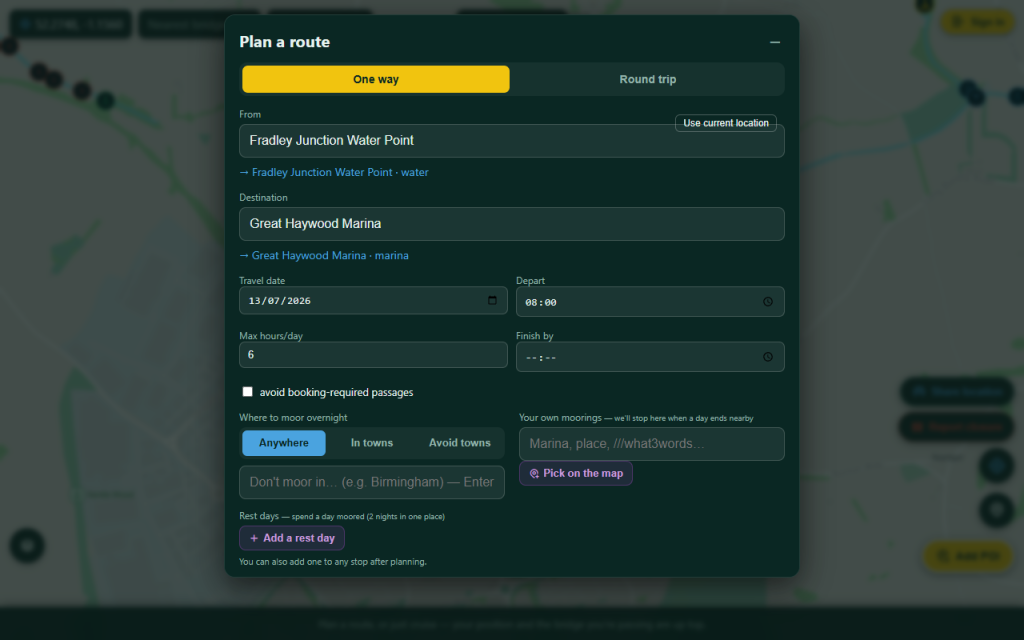
Open the planner -
2
Choose your route
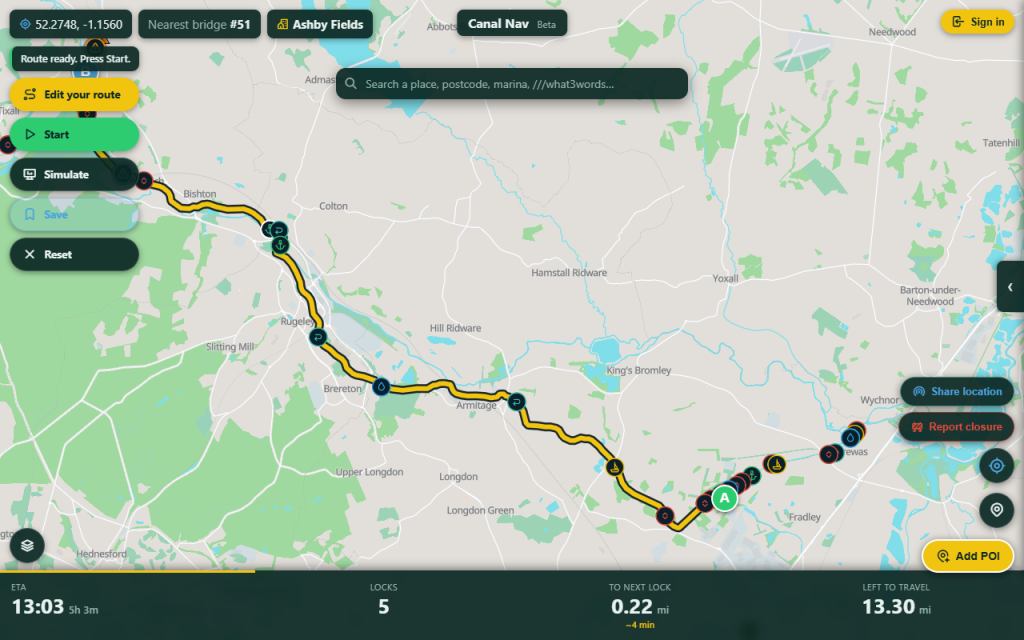
Canal Nav plots the water route and offers a few options – the recommended balance of time and locks, the most direct, and the fewest locks. Tap each to preview it on the map, then pick the one you fancy.
Choose your route -
3
Tell it how you cruise
Open the planner’s settings to match how you travel: your departure time, how many hours a day you want to cruise, the latest you’ll moor up, and whether to avoid closures or booking-required passages. Canal Nav paces your days and picks overnight moorings to suit.
Set your defaults in the dashboard → -
4
Route through a favourite spot
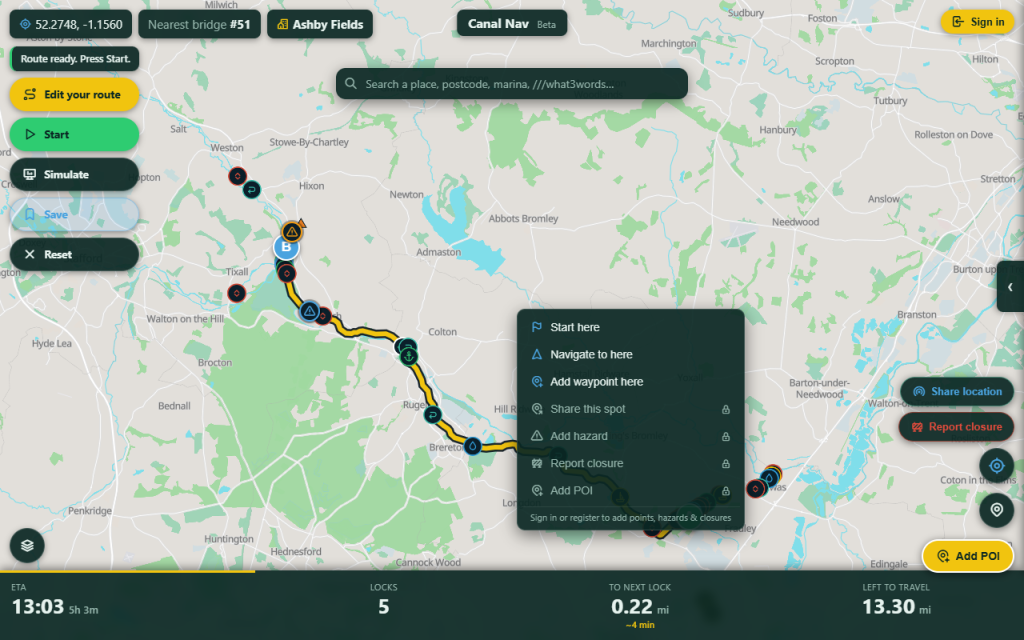
Want to pass a particular pub, town or junction? Right-click (or long-press on a phone) a point on the route and choose Add waypoint – Canal Nav re-routes through it.
Route through a favourite spot -
5
Plan a round trip
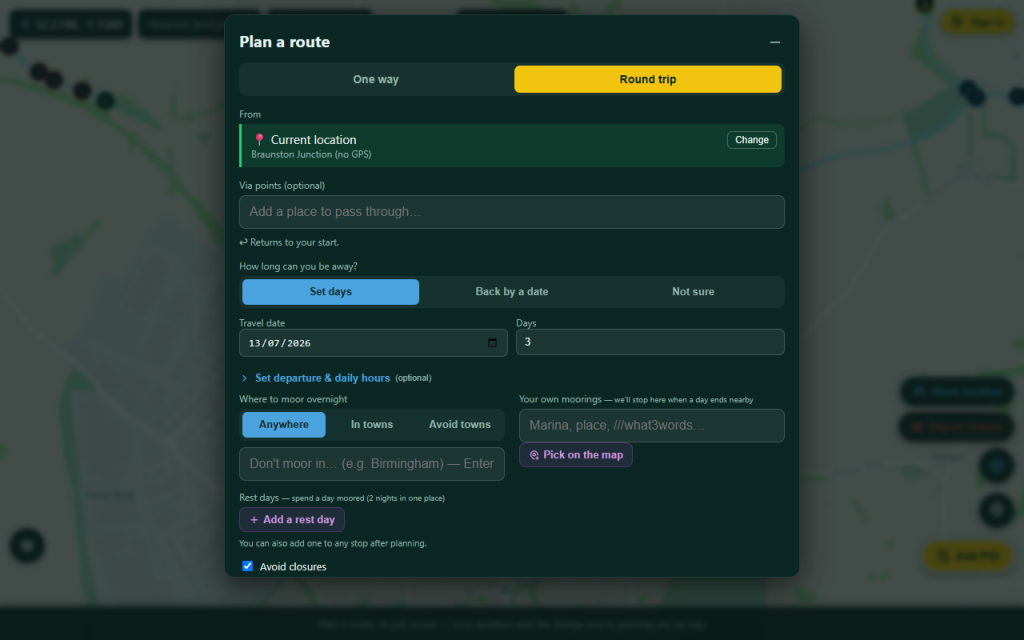
Heading out and back to the same place? Choose Round trip and set your start – say, Kings Bromley Marina. Tell it how many days you’ve got, or if you’re not sure, pick “Not sure how long” and Canal Nav suggests loops that fit your time. You can also cruise a classic signposted ring.
Plan a round trip -
6
Check the day-by-day
The panel breaks your trip into days: when you set off and moor, the miles and locks each day, and where you’ll tie up for the night. Tap a day to highlight it on the map, or add a rest day to slow the pace.
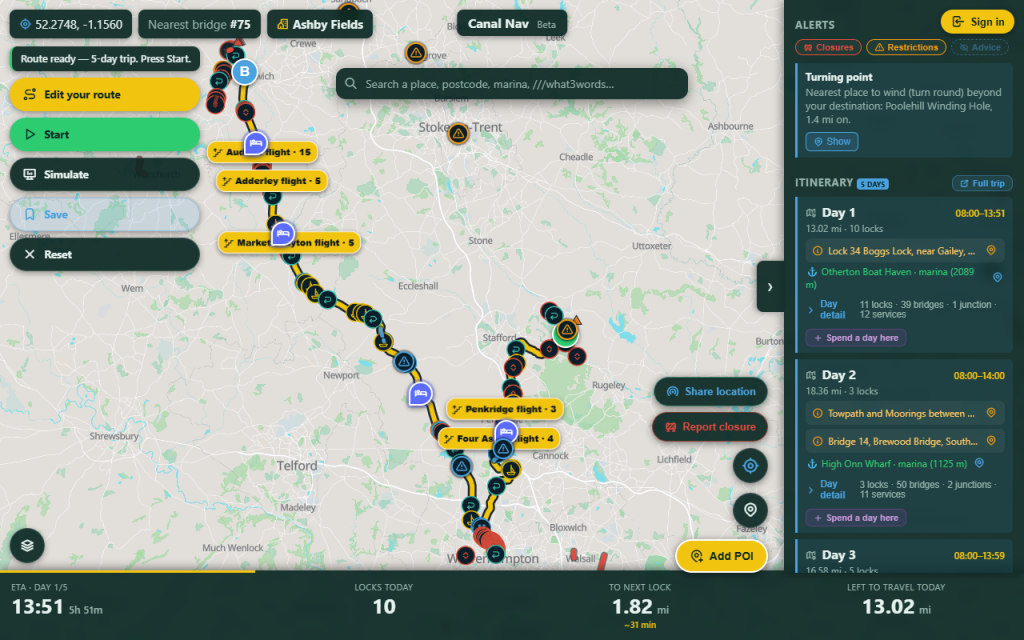
Check the day-by-day -
7
Save it or share it
Happy with the plan? Save the route to start it from your boat on any device – or turn it into a shareable itinerary with lunch stops and landmarks to send to friends.
See “Sharing a trip” →